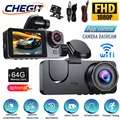
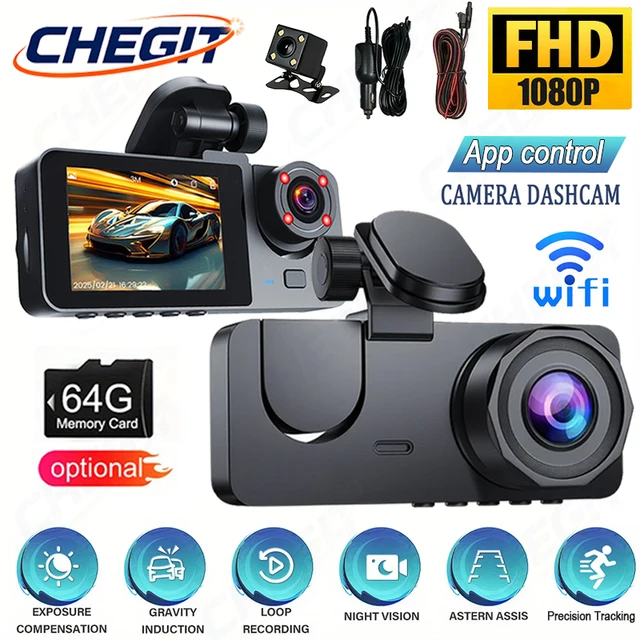
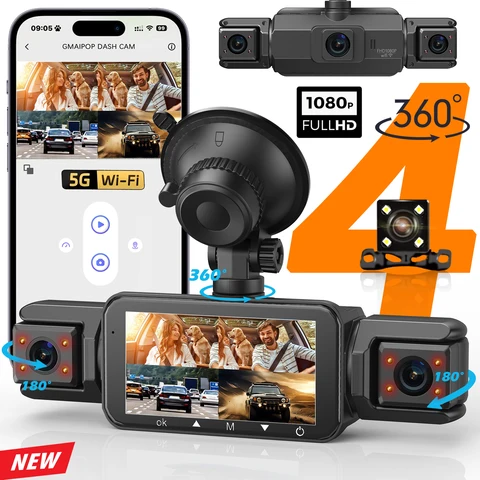
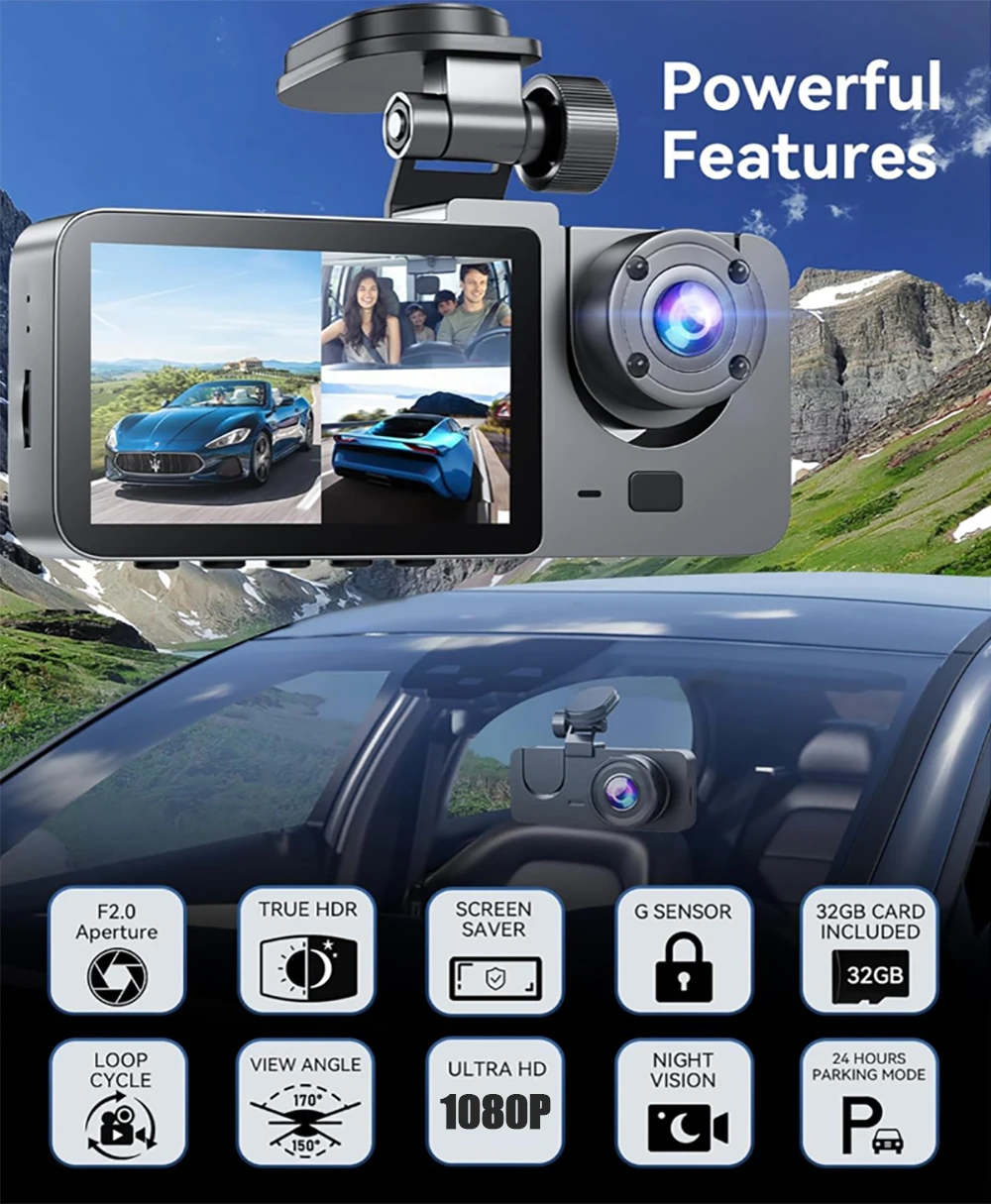
Introducing the NEW Car DVR 1080P HD WIFI Dash Cam with Front, Interior, and Rear View Camera – ensuring safety, clarity, and ease of use. Experience starlight night vision and 24h parking guard for complete peace of mind.
The products are divided into X01/X94.
1.X01-2LU, no WIFI and no rear view camera.
2.X94-2LU, with WIFI but no rear view camera.
3.X94-3LU, with WIFI rear view camera.
Product Specifications:
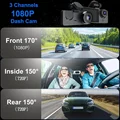
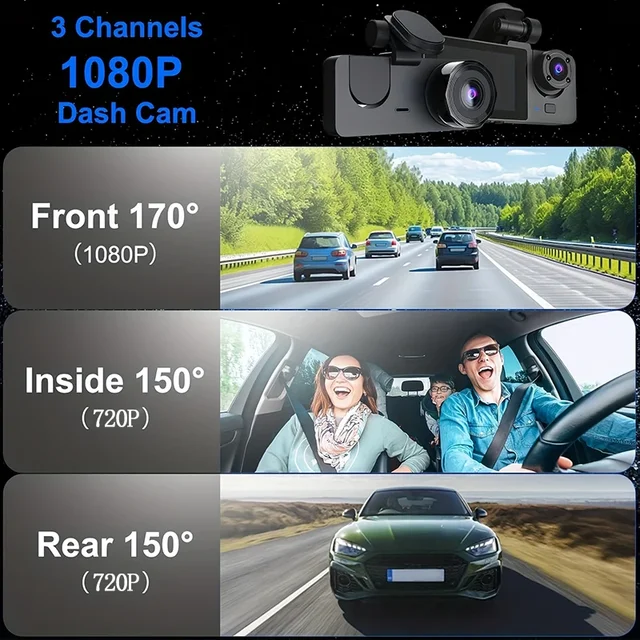
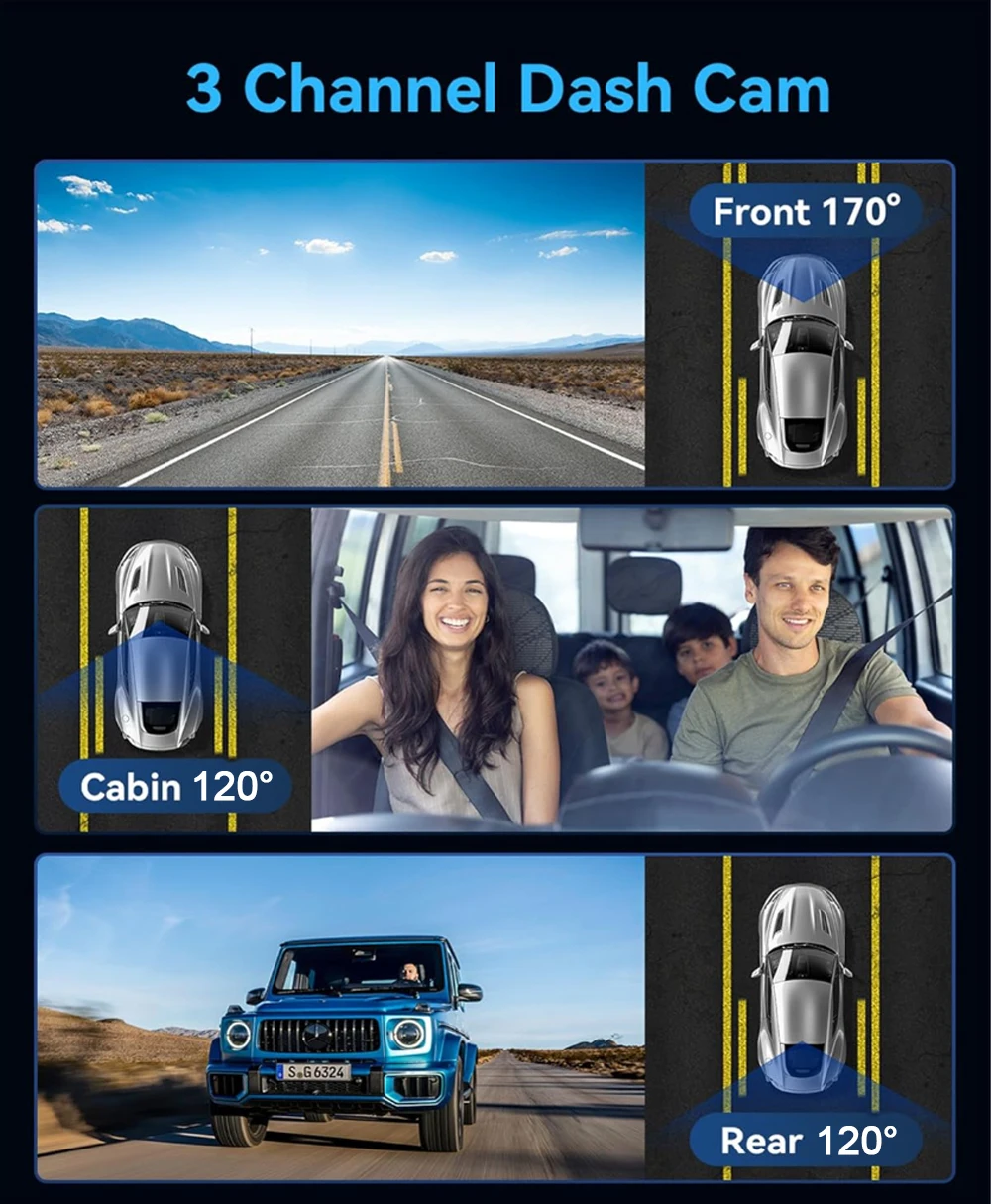
> 3 Channels
[Front1080p+Interior720p+Rear720p]
> 2 Channels: [Front1080p+Interior720p]
> Screen size: 2 inches
> File format: AVI
>Voltage 1 Current: 5V/1A
> Video resolution: 1080P; 720P; 720P
> Continuour Loop Video: Seamless Loop Recording
> Automatic power on/off: support automatic ignition and shutdown
> Interface: Support USB
> Time Synchronization: Support
> Support memory card: TF (maximum support 64 GB)
> Built-in stereo: support
> Frequency: 50HZ / 60HZ
> Supported languages: Chinese, English, French, Russian,Japanese, Spanish,Korean,etc.
New HD 3 Lens WIFI Dash Camera
Only Front Camera: 1080P
Front + Rear Camera:1080P+1080P;Front & Inside Camera:1080P+720P;
Front & Inside & Rear Camera:1080P+720P+720P
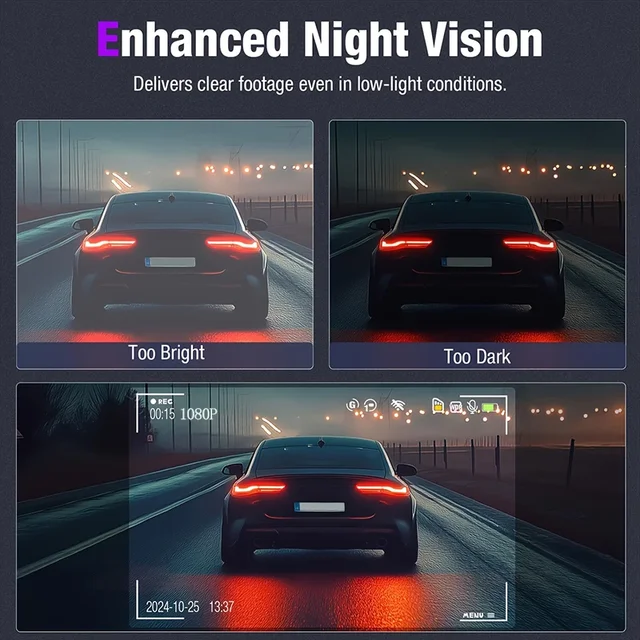
Starlight Night Vision
With the help of F2.0 wide aperture and the decent low-lightperformance of the lens, the car camera is able to capturedetails like license plates at night.
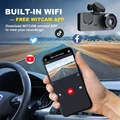
Built-in WiFi
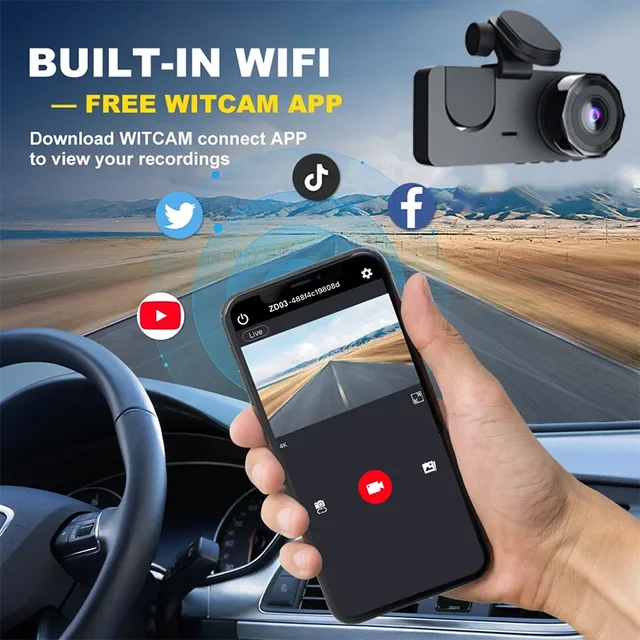
Download the APP from Android and iOS systems, connect your phone with dash cam via WiFi, then you can view the recordings in real-time, also can download, playback and share the recordings via your phone.
Warm tips
Customers in the use of the recorder want to connect WIFI please in the recorder menu to open the WIFI and mobile phone connected to be able to use it!
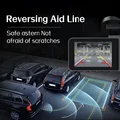
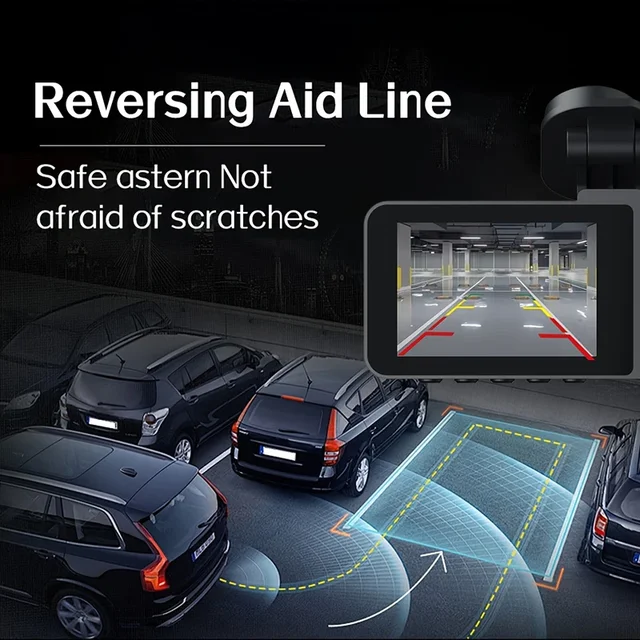
Reversing Image
When the car in reverse gear, the car DVR will automatically switch to the rear camera imaging view with parking line, ensures safety for parking.
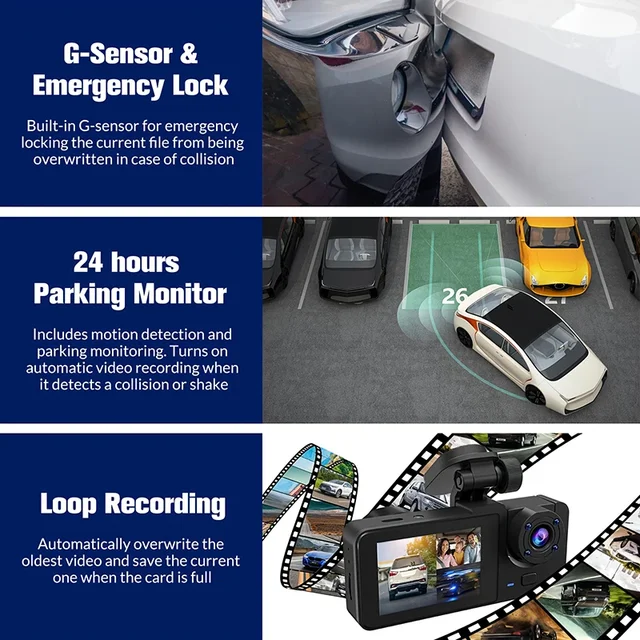
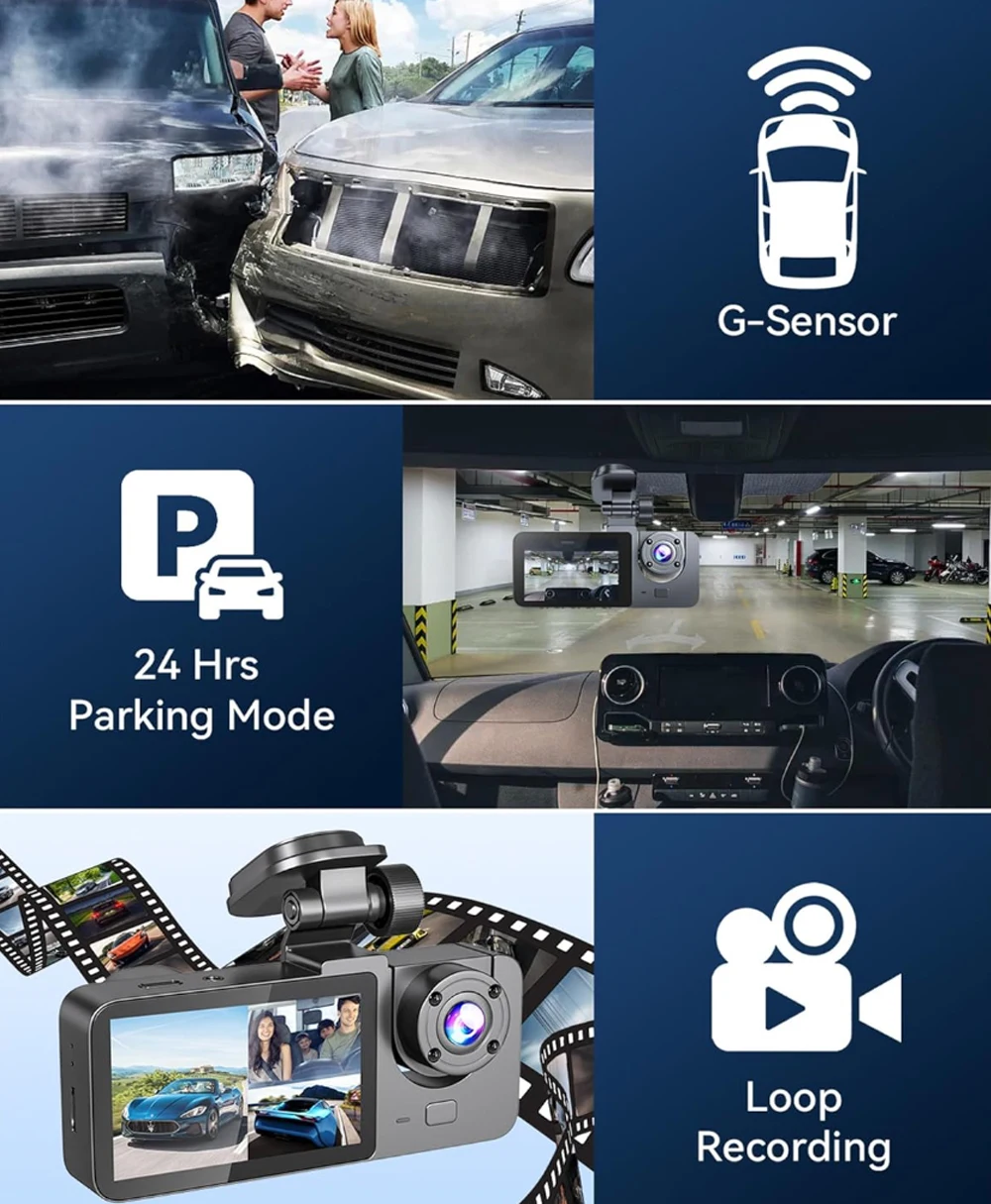
Loop Recording
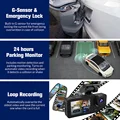
Every detail would be automatically record and not miss one second, unlocked data would be overwritten automatically when TF card is run out of storage.
G-Sensor
In the event of an impact or collision, the built-in G-sensor would lock and save the video, and the video would not be overwritten by loop recording.
24h Parking Monitor
When Someone Near Your Car Or Vehicle Starts To Move,Automatically Turn On And Start Recording When Detects Any Impact Or Collision,The Device AutomaticallyAutomatically Recording For Few Seconds,Make Sure 24hr Parking Guard.Attention: It Should BeConnected By A Dvr Exclusive Power Cable.
(Friendly reminder: parking monitoring needs to be configured with a special buck cable for use, otherwise 24-hour monitoring is not possible)
Installation Image
A:Rear camera
B:Car recorder
C:You need to link the red wire of the rear camera to the positive pole of the reversing light in order to realize the reversing image
To protect your privacy, the TF card needs to be formatted for the first time. There are two solutions:
1. Insert the TF card correctly into the dash cam, open the camera settings, find the storage card format, confirm that the formatting is complete, and then restart the camera to use.
2.Connect to the mobile application, search for settings in the mobile application, format the memory card, confirm formatting is complete, and then restart the camera to use it. Sincere wishes to you and your family.












Follow us on: