
• Image 1
  • Image 2
  • Image 3
  • Image 4
  • Image 5
  • Image 6

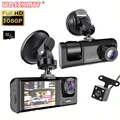
1080P Car Dvr 3 Camra Dash Cam with Night Vision

From R628.83
  • Color Name:

Categories:

Buy With Confidence

100% Safe Payment


;

  • Description

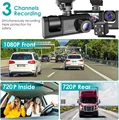
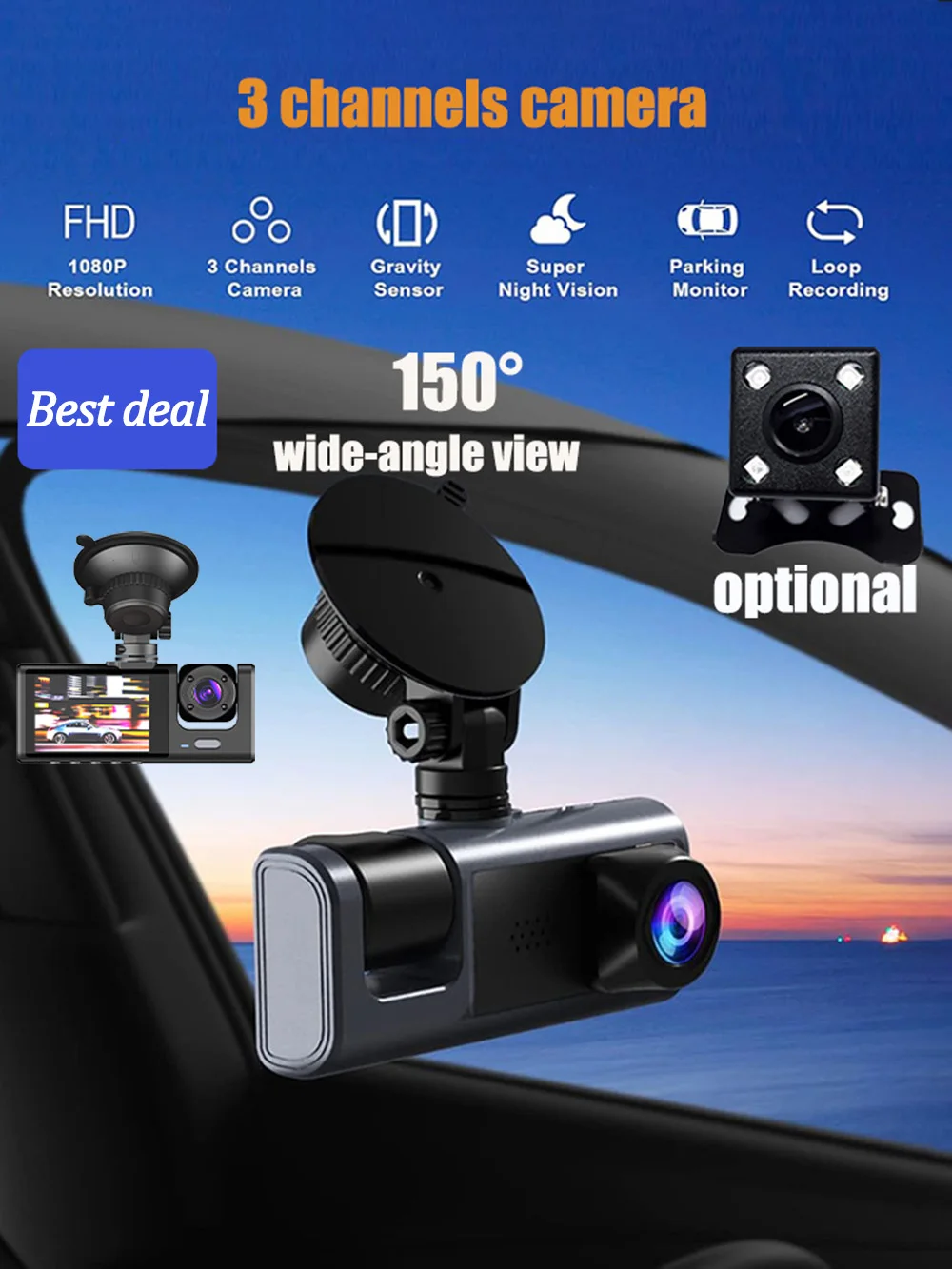
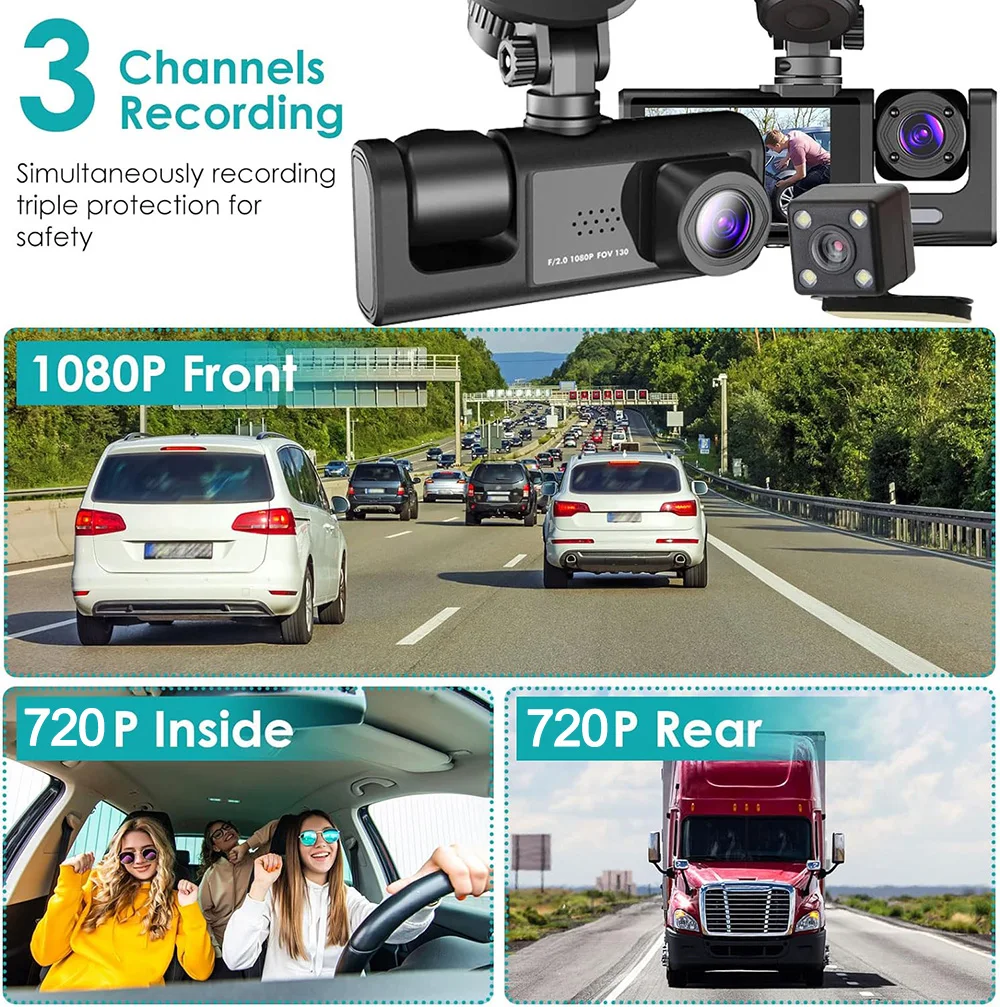
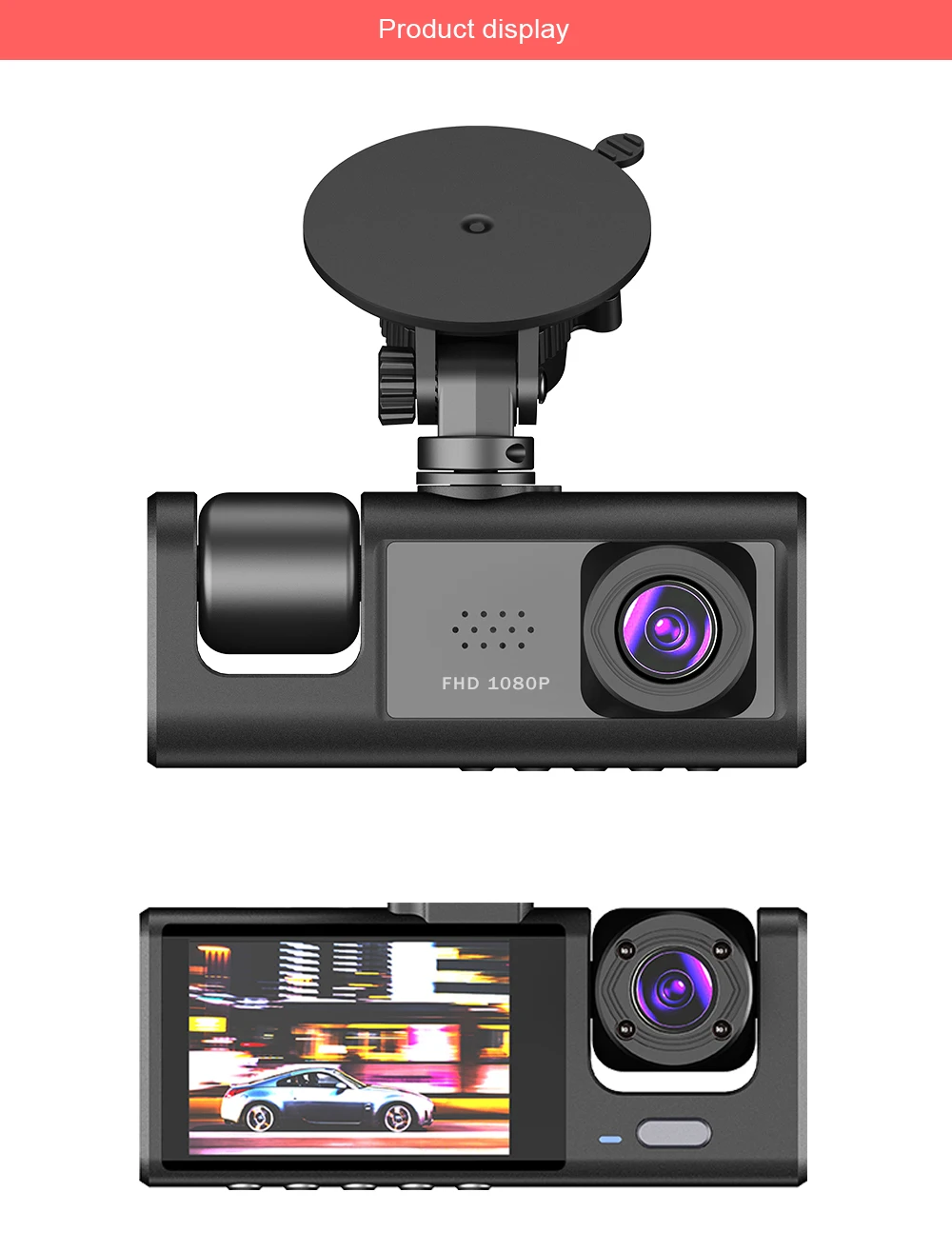
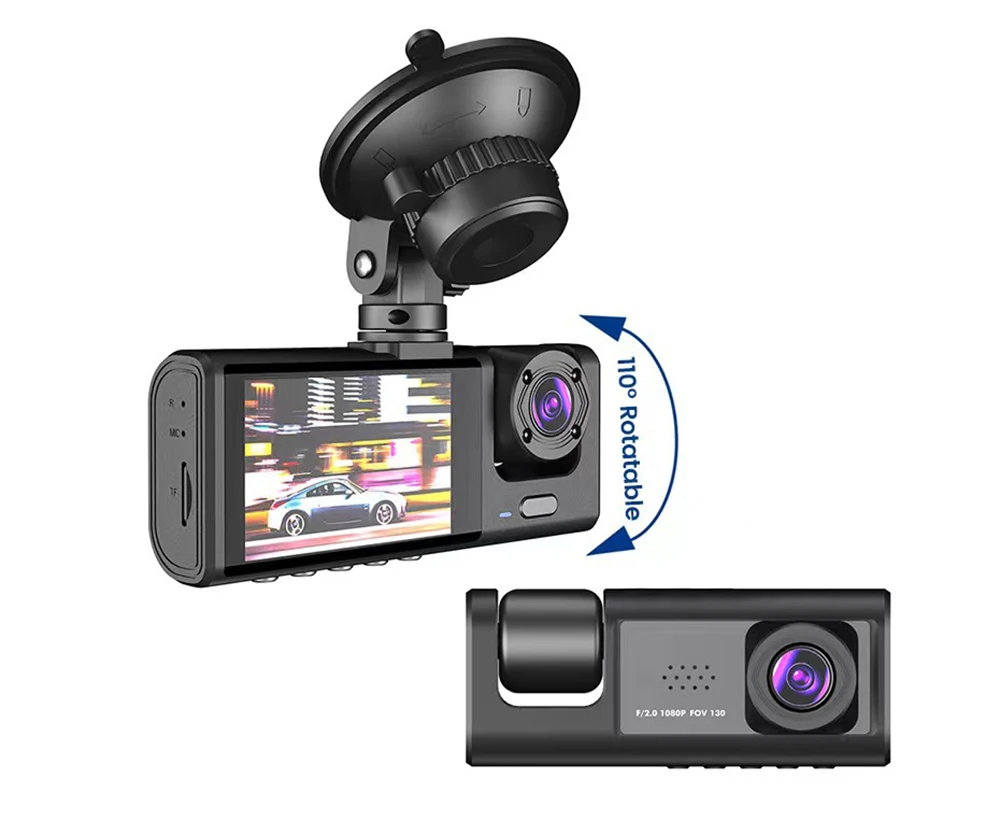
    Capture every detail on the road with this 1080P Car Dashboard Camera featuring 3 lenses for front, inside, and rear views. Enjoy powerful night vision shooting and 24-hour parking monitoring for enhanced safety.

    Product Specifications:

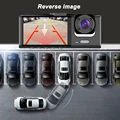
    >3 Channels: [Front+Inside+rear ]
    > Screen size: 2 inches
    > File format: AVI
    >Voltage 1 Current: 5V/1A
    > Video resolution: 1080P; 720P; 720P
    > Continuour Loop Video: Seamless Loop Recording
    > Automatic power on/off: support automatic ignition and shutdown
    > Interface: Support Type
    -c
    > Time Synchronization: Support
    > Support memory card: TF (maximum support 64GB)
    > Built-in stereo: support
    > Frequency: 50HZ / 60HZ
    > Supported languages: Chinese, English, French, German, Russian, Polish,Japanese, Portuguese, Spanish,Korean,etc.

    3 Lens Capturing more details than you thought

    3 Lens Dash Cam 1080P Full HD With a 170° field-of-view, recording ensures your safety by covering full four lanes of traffic.

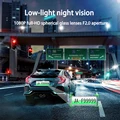
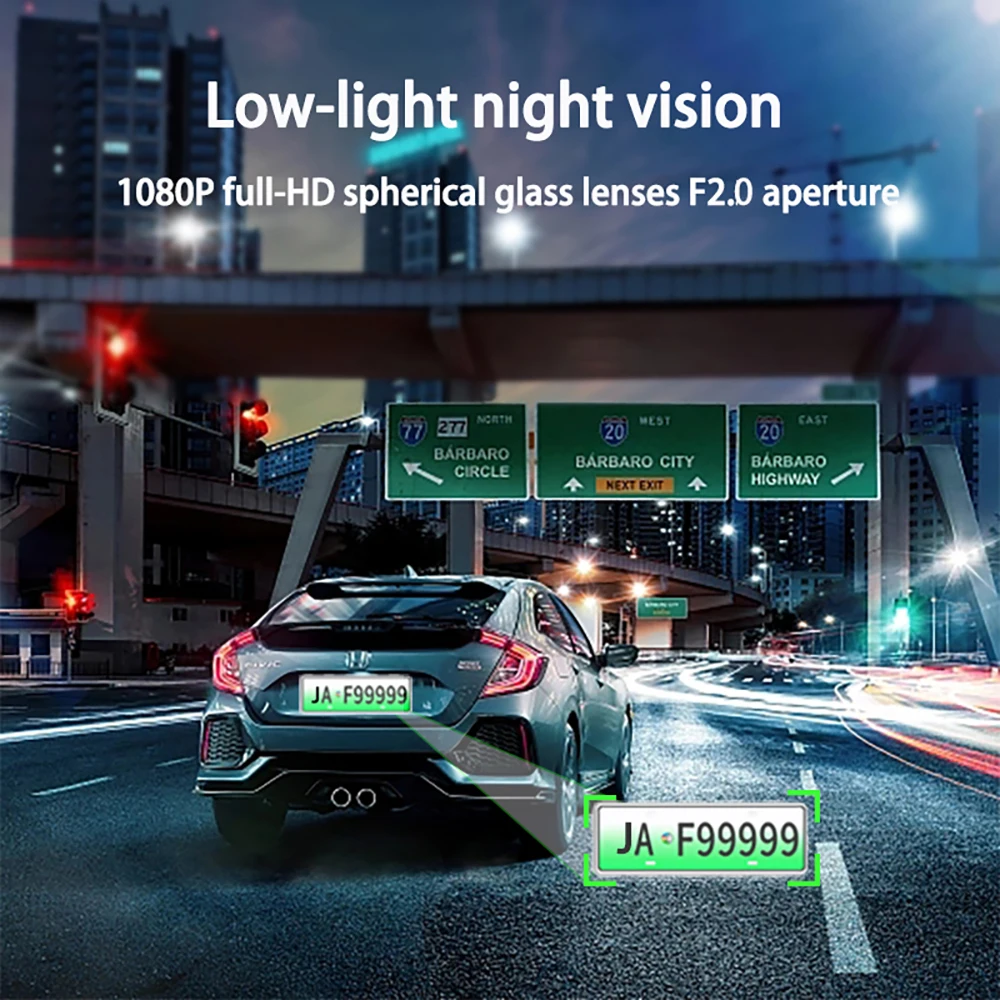
    Powerful night vision shooting

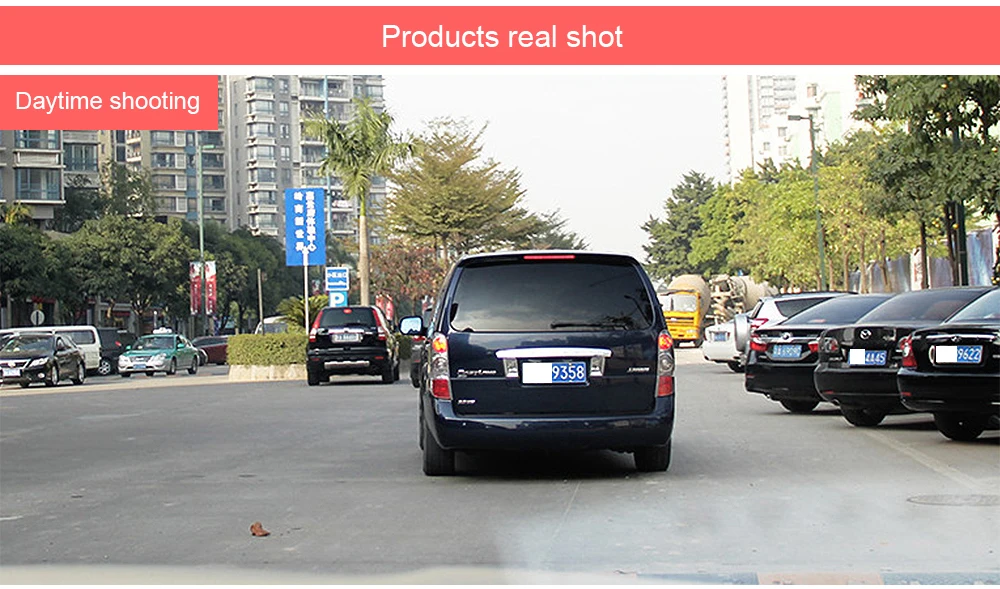
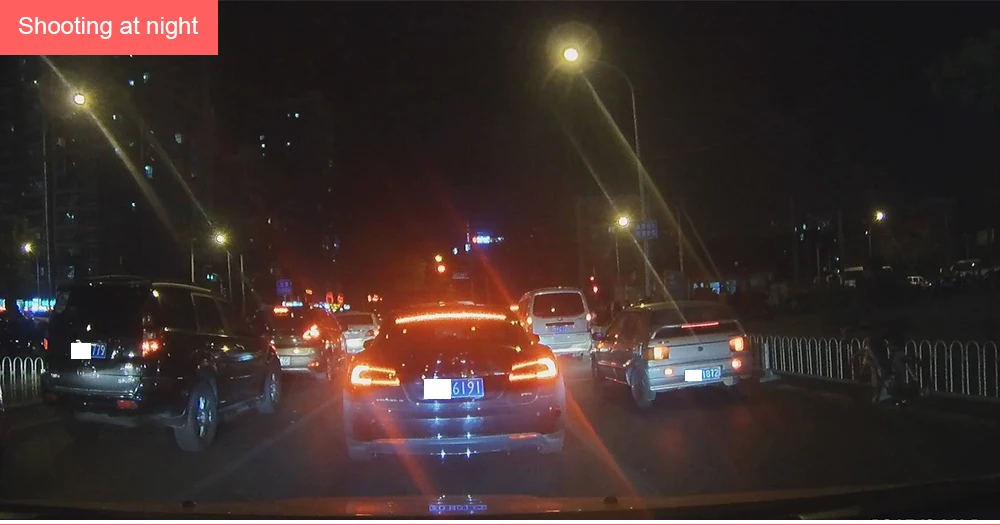
    F/2.0 wide aperture allows superior images, be it day or night. Proprietary focal length technology facilitated by 6-Glass wide-angle lens helps in capturing smaller details like number plates with more accuracy even in low light.

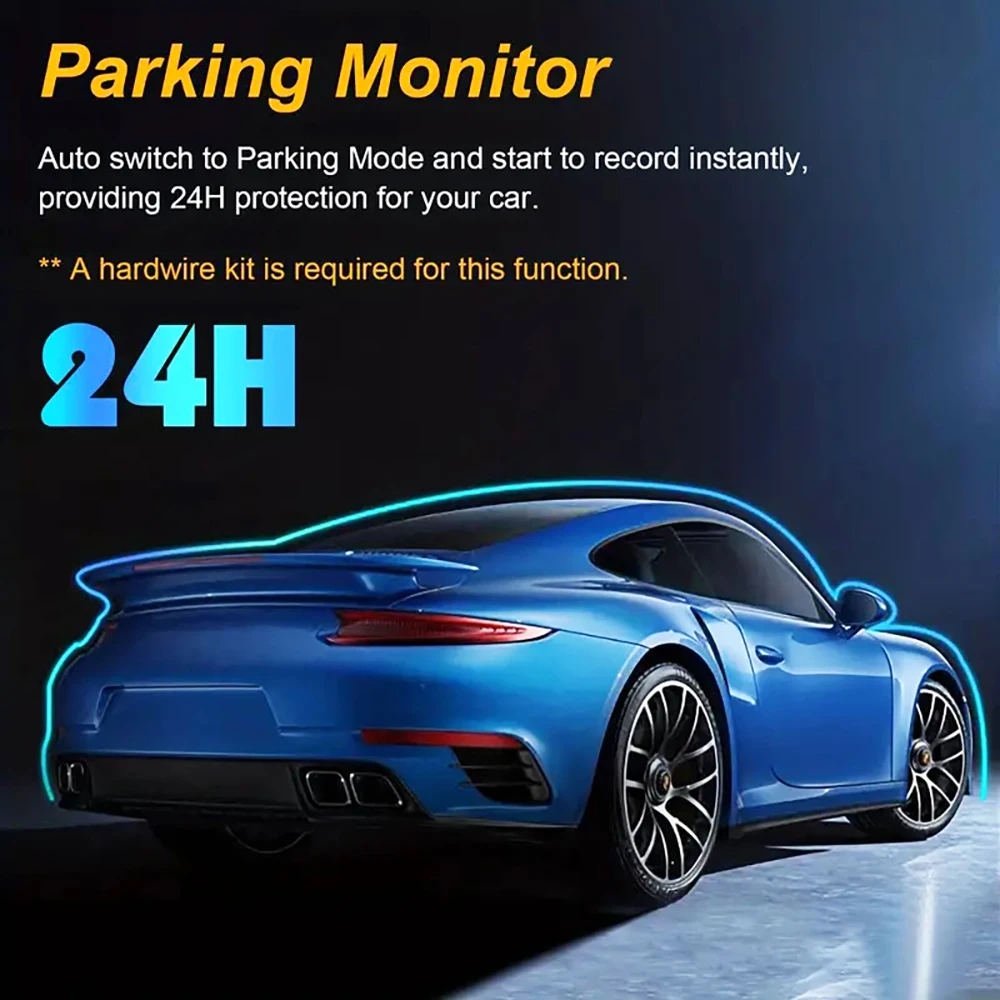
    24H parking monitoring.

    Start the intelligent parking detection mode after the engine is off, support the three recording lens motion detection, abnormal collision automatic recording, one second one frame time lapse recording.

    (Friendly reminder: parking monitoring needs to be configured with a special buck cable for use, otherwise 24-hour monitoring is not possible)

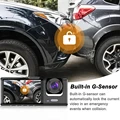
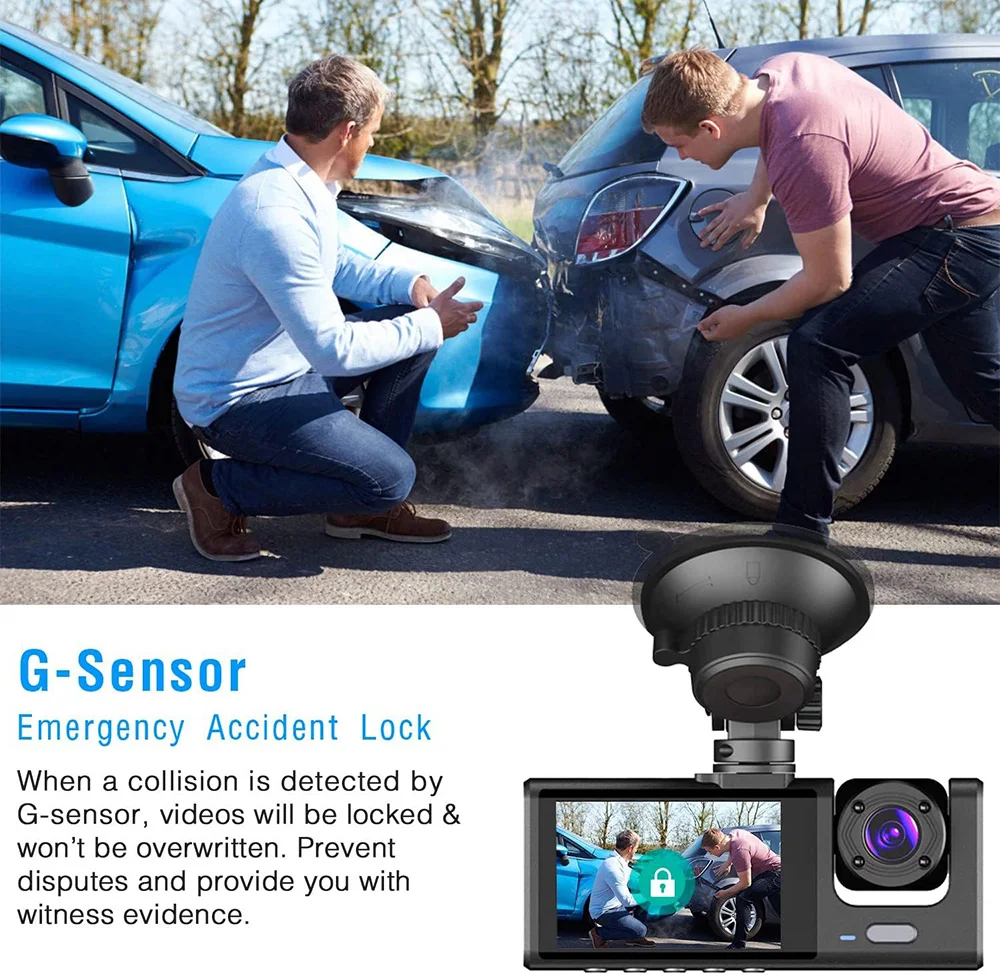
    Built-in G-Sensor

    Built-in G-sensor can automatically lock the current video in an emergency events when collision.

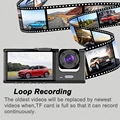
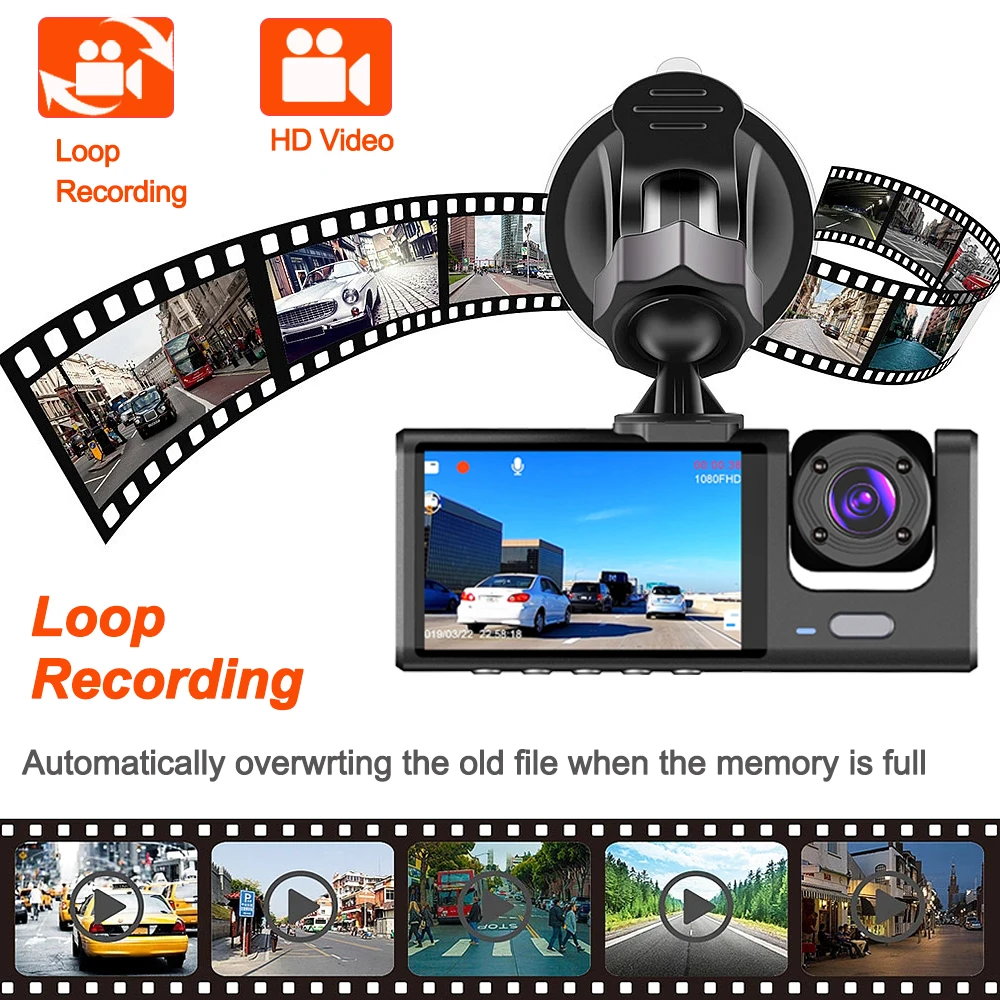
    Loop Recording

    When the memory card is full,the video recorded earlier will be automatically overwritten.The memory space will be seamlessly recycled, and the video locked inemer-gency recording will not be overwritten.

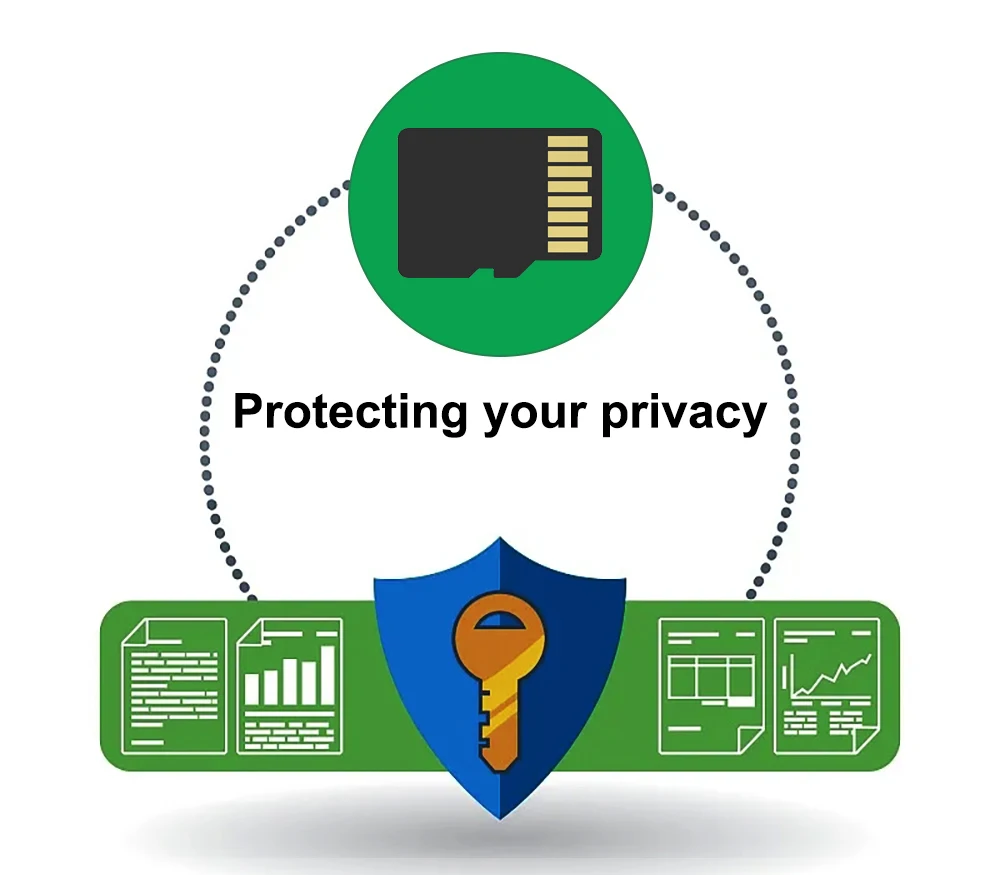
    To protect your privacy, the TF card needs to be formatted for the first time. There are two solutions:

    1. Insert the TF card correctly into the dash cam, open the camera settings, find the storage card format, confirm that the formatting is complete, and then restart the camera to use.

    2.Connect to the mobile application, search for settings in the mobile application, format the memory card, confirm formatting is complete, and then restart the camera to use it. Sincere wishes to you and your family.

    Installation Image

    Please note:

    After receiving the packaging, please immediately check if the product is damaged. If there are any problems, please contact me immediately. (Damaged packaging boxes are a normal phenomenon as they are only used to protect internal products from damage)

Follow us on:

Subscribe to our Newsletter
Please wait...