 After sale
One-year warranty: within one year of purchasing the product, if there is any non-human damage failure, please contact customer service, we will provide you with the most complete after-sales service. You can send item for repairing within 1 year after receipt. Shipping cost on buyer side.
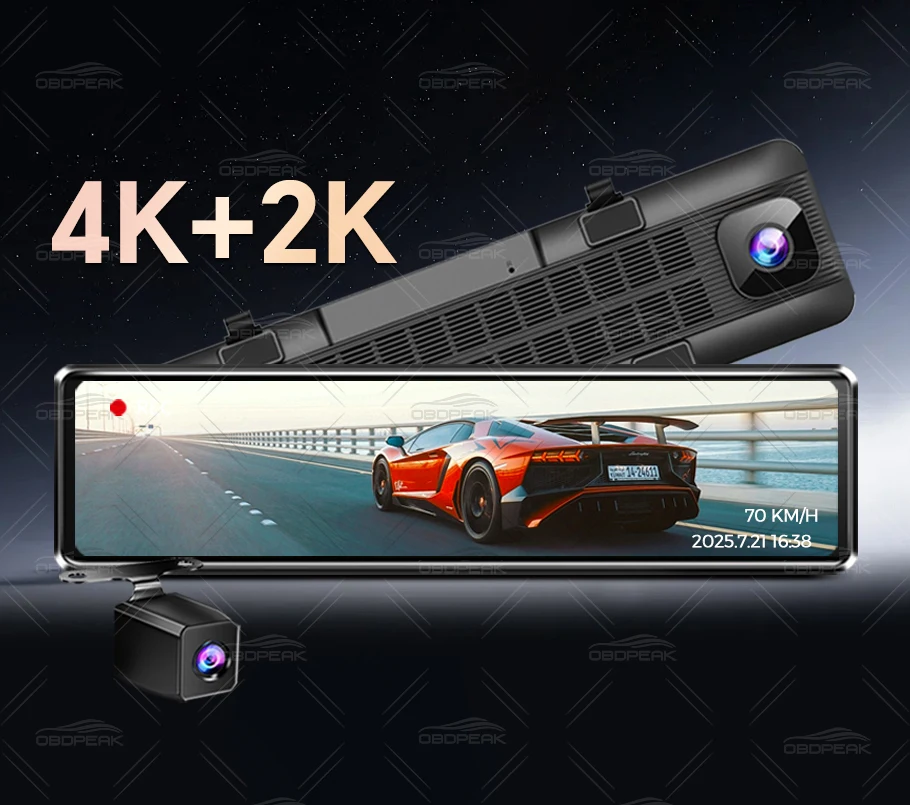
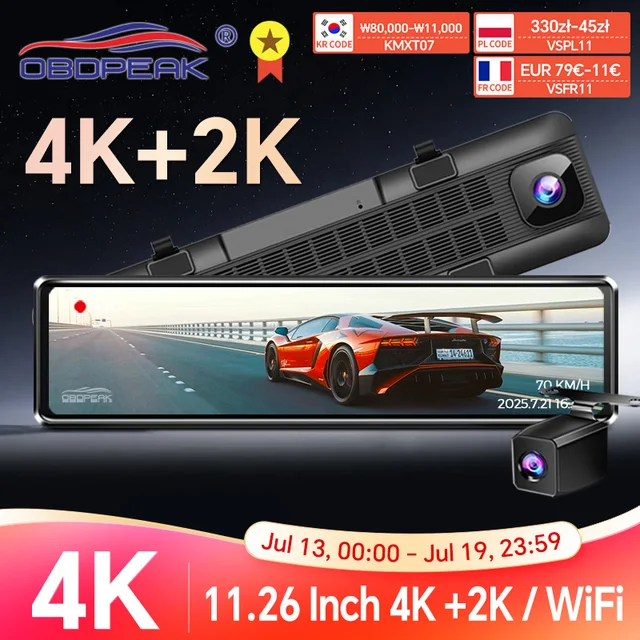
OBDPEAK H8 Supper UHD 4K Car Rearview Mirror Features:
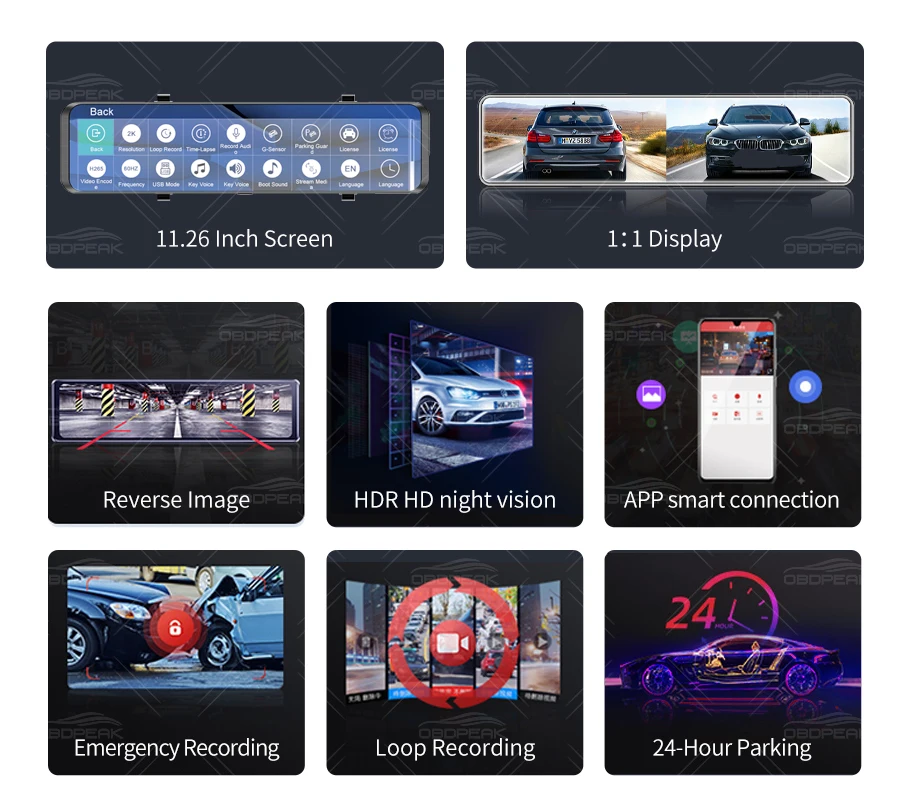
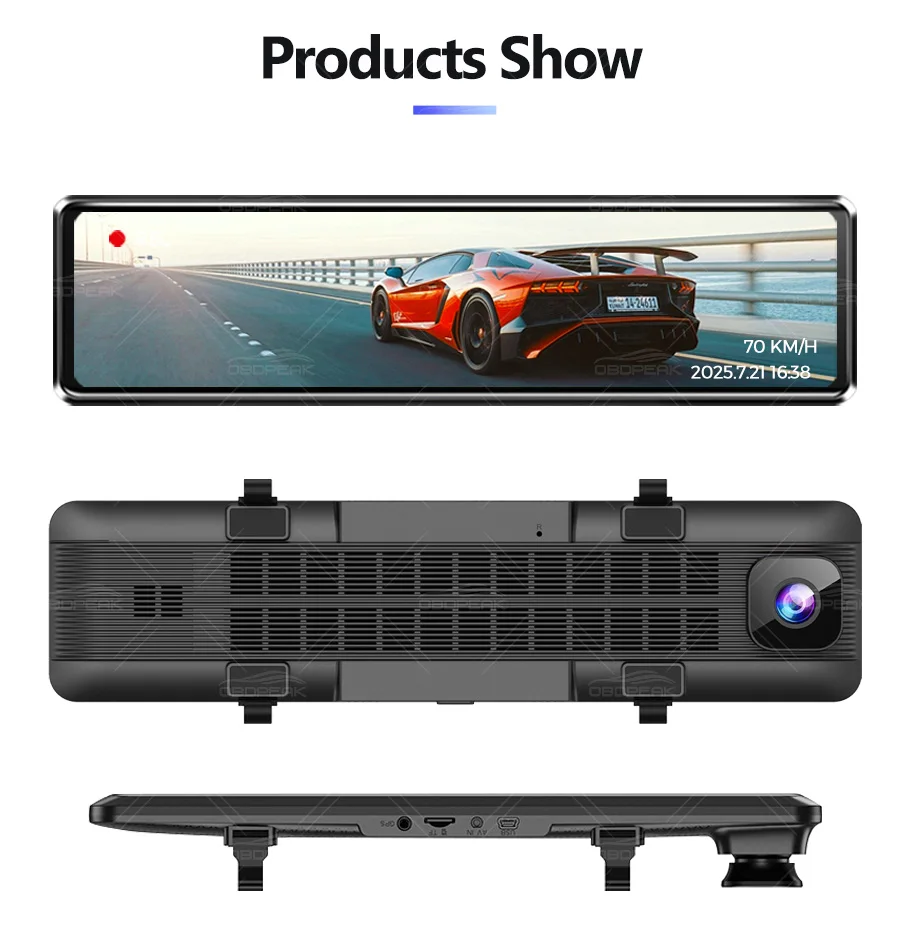
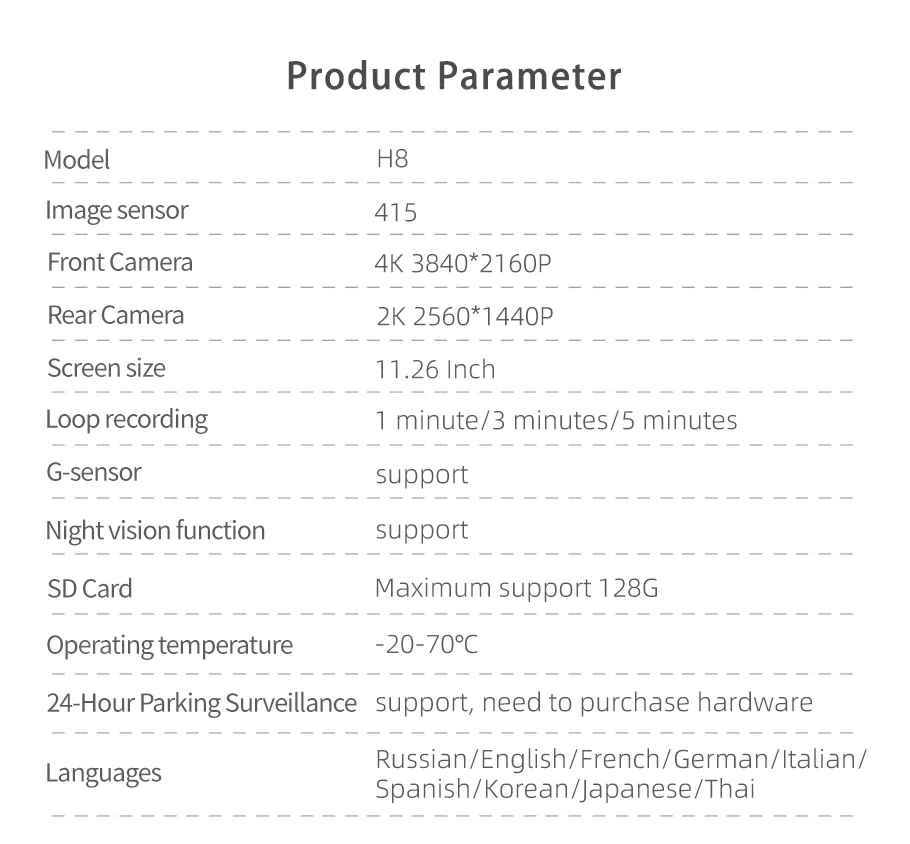
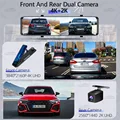
>>11.26 Inch IPS Max Touch Screen, Item Inch: 29cm*7cm, Screen Inch: 27.3cm*6.3cm
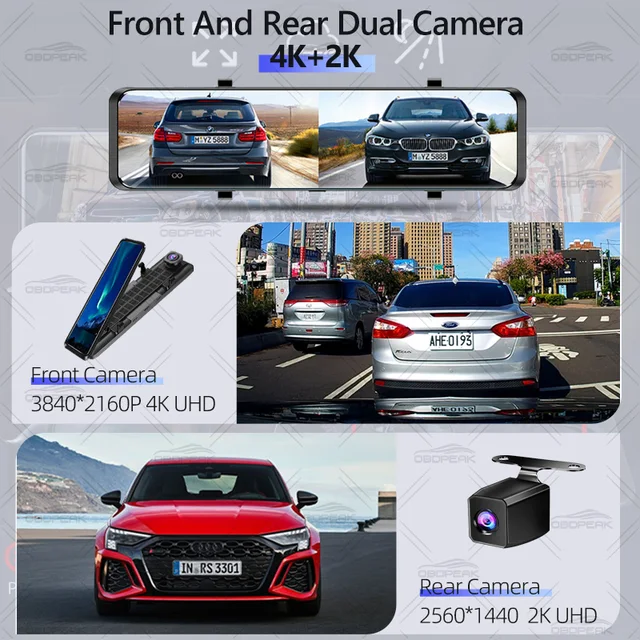
Front: IMX415:UHD 3840*2160P, 4K
Rear: 2560*1440P camera, 2K
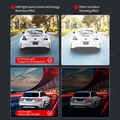
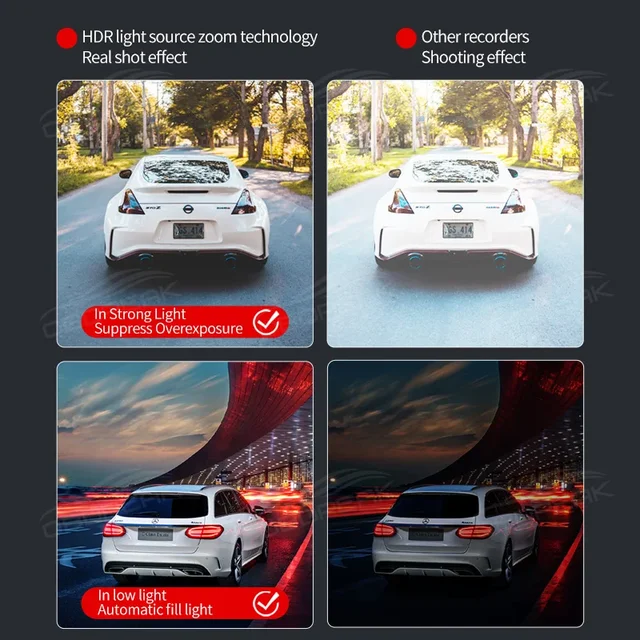
>>Special function: Dual Lens + HDR color enhancement/WIFI-APP connection to transmit video/GPS track and coordinate information/Hisilicon chip/full-screen reversing
>>24H*7 Service Supporting
At OBDPEAK, our goal is keeping work hard to make innovative hardware & software of the Car Camera DVR Dash cam to give you that personalized experience.
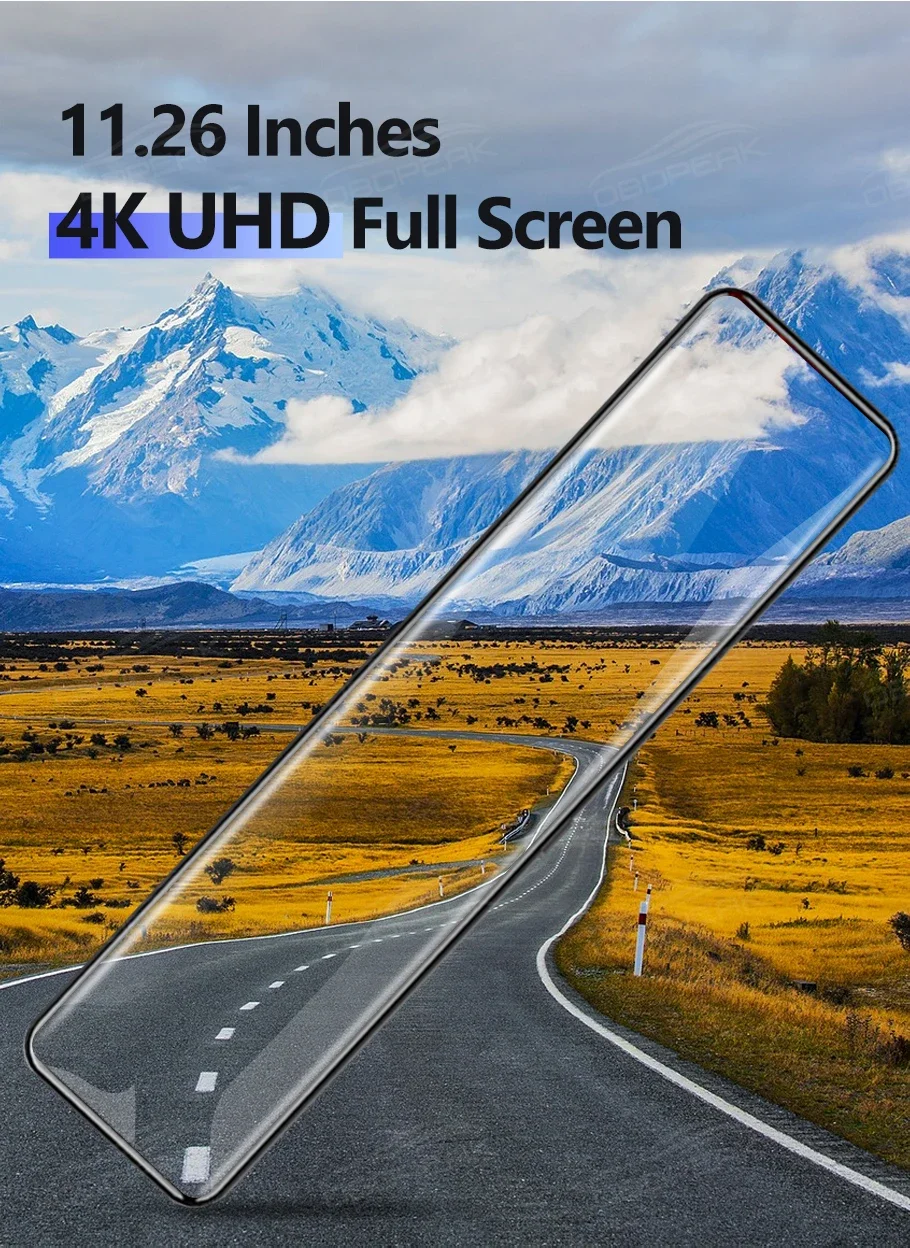
11.26-inch Plus touch screen
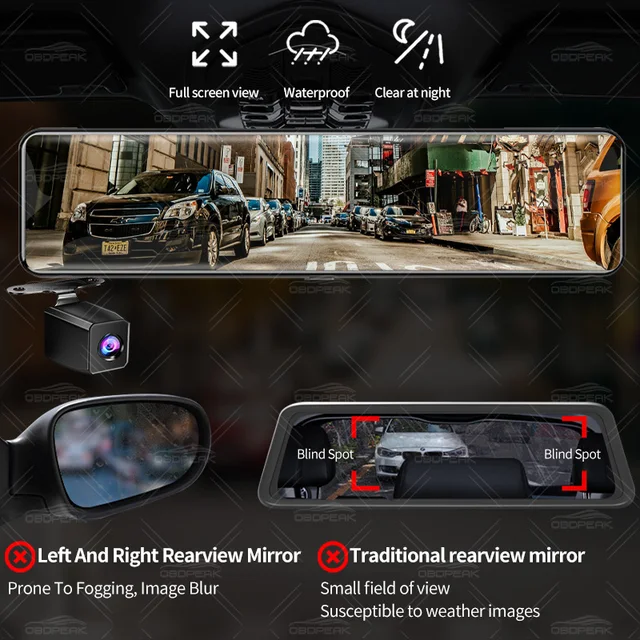
The size is just right, slightly larger than the original rearview mirror. After installing H8, it perfectly covers the original rearview mirror and looks more beautiful.
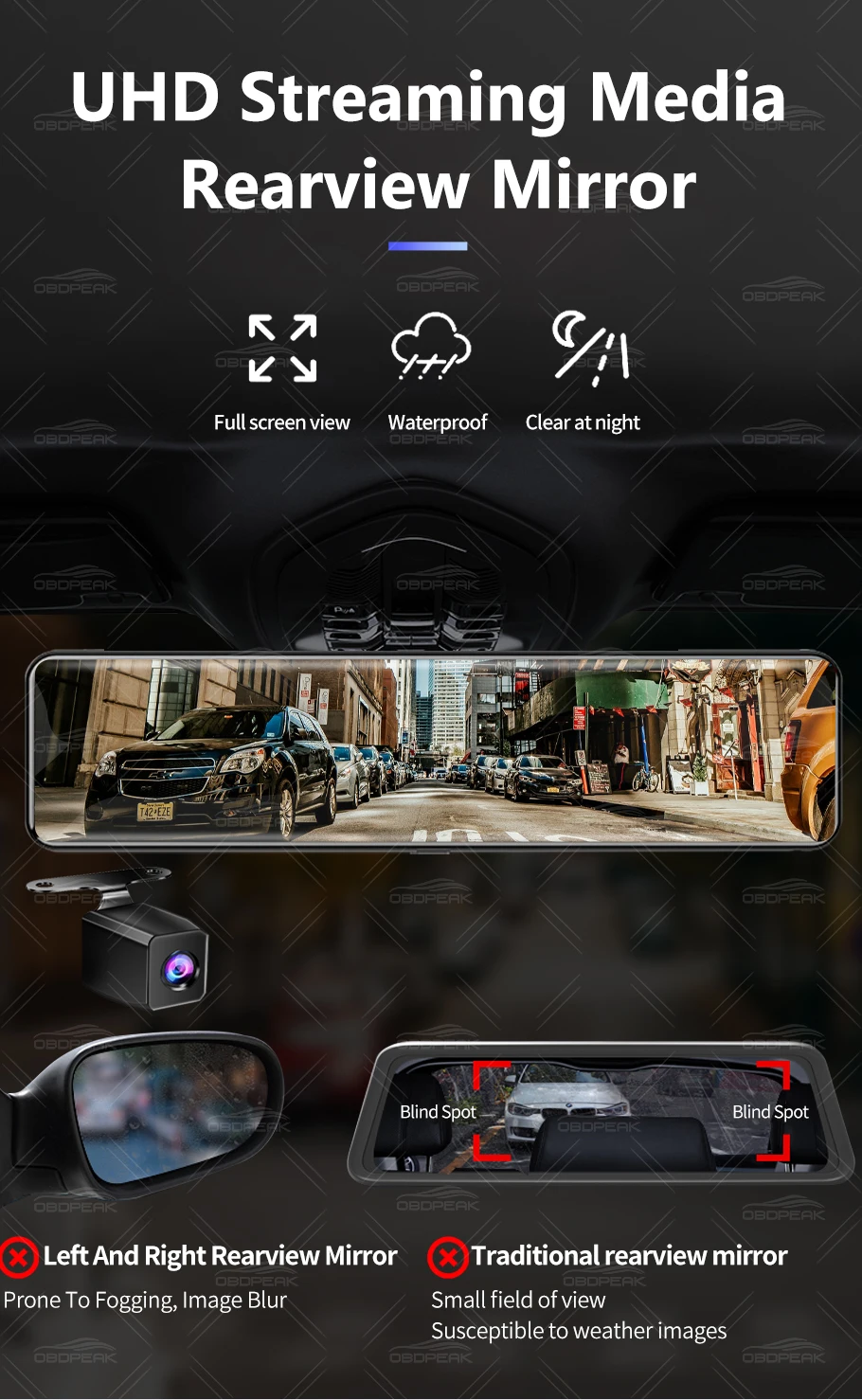
Streaming media rearview mirror
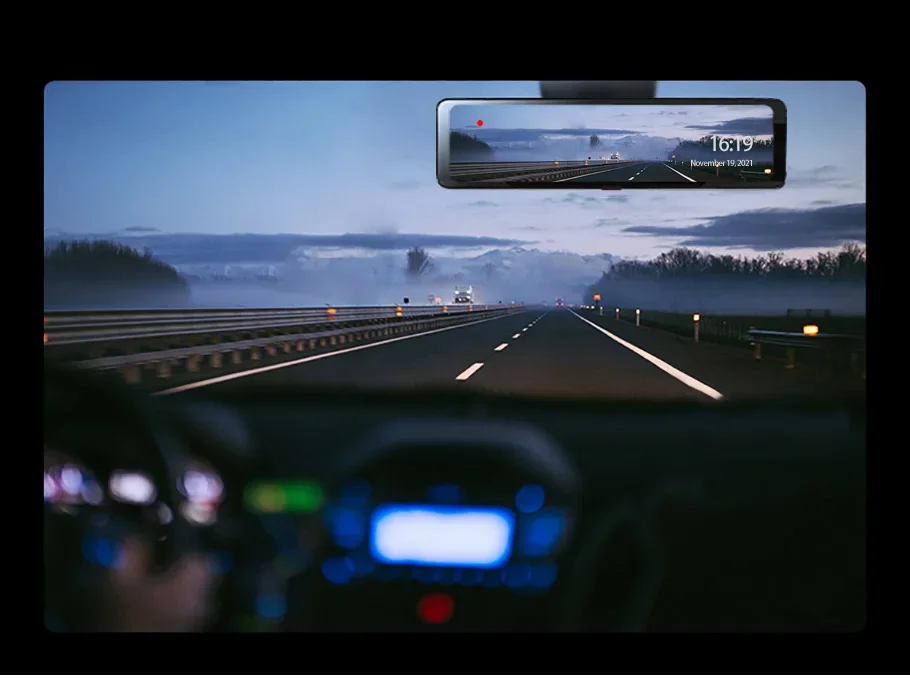
Compared to the original rearview mirror, the OBDPEAK H8 uses a 2K rear camera to transmit real-time images of the rear of the car to the screen, ensuring clear visibility in rainy, foggy, and nighttime conditions
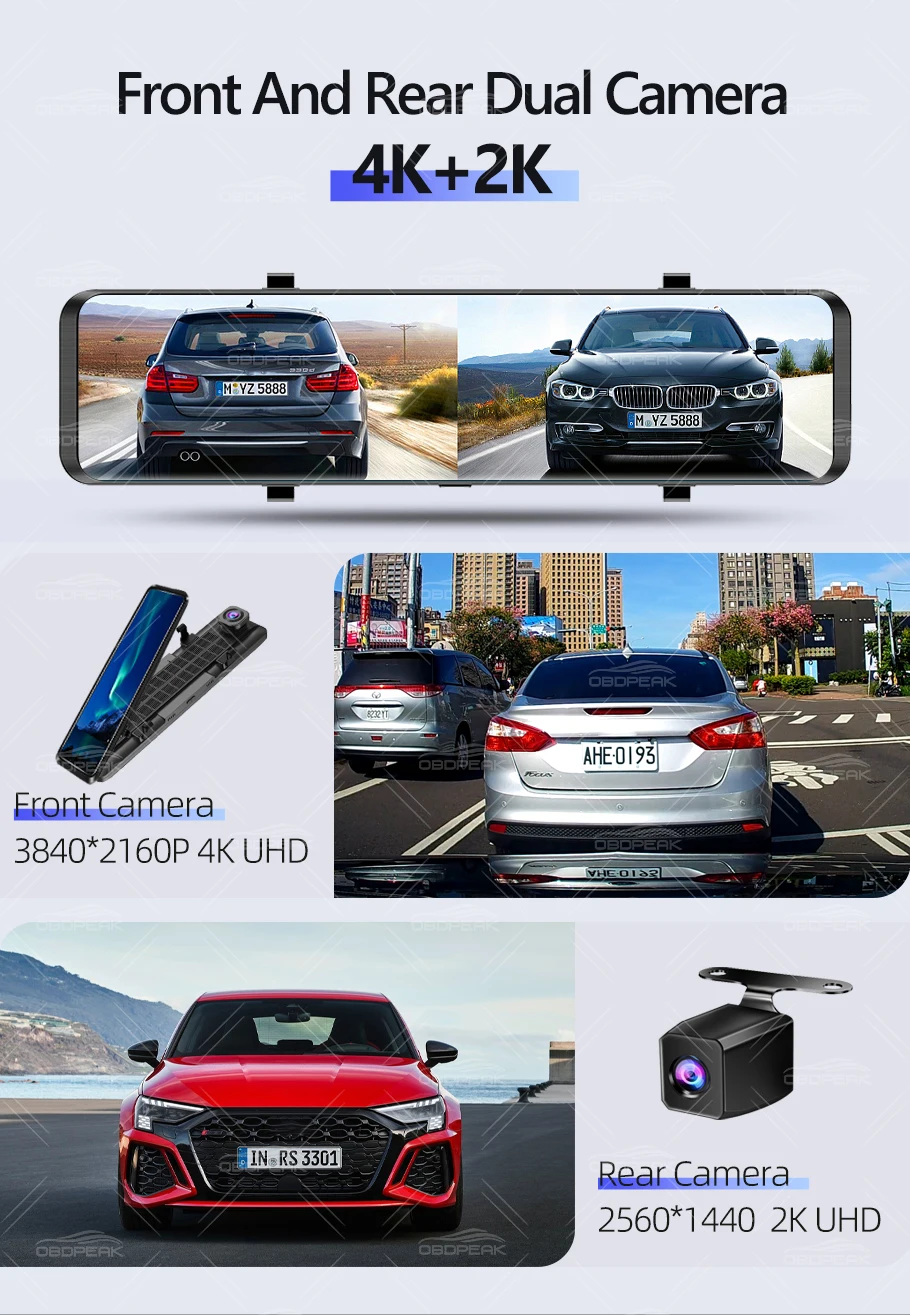
Front 4K+Rear 2K Dual Camera
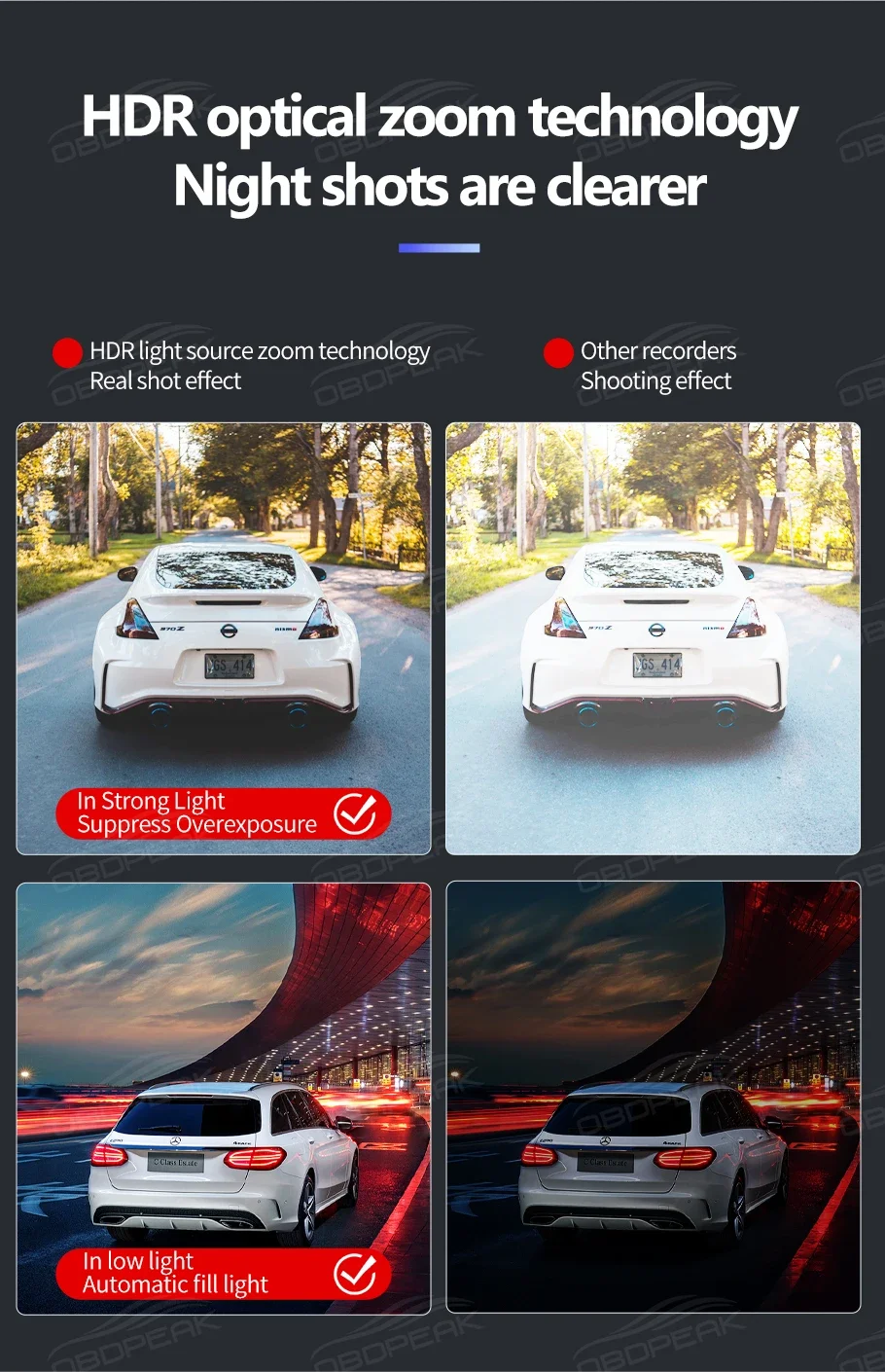
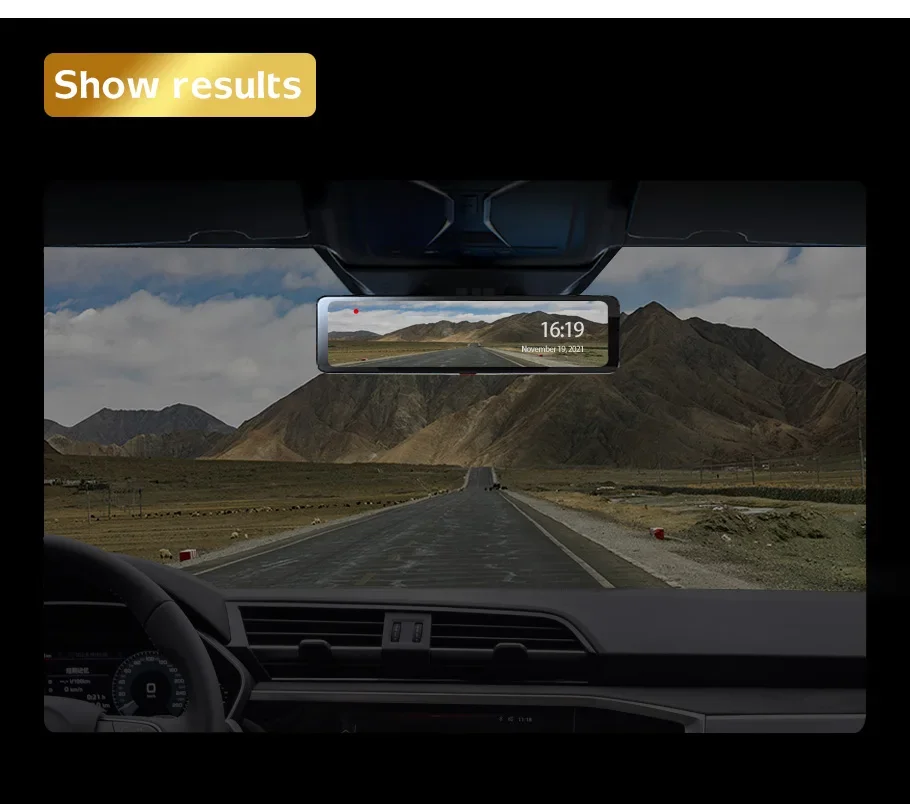
The OBDPEAK H8, the front camera reaches an amazing 4K resolution (3840*2160P), uses 7 layers of high quality glass lenses with F1.8 aperture and IMX415 Sensor, 后置摄像头2K(2560*1440P).creates a beautiful, vivid image of the road ahead in various lighting situations by honing in on the details.
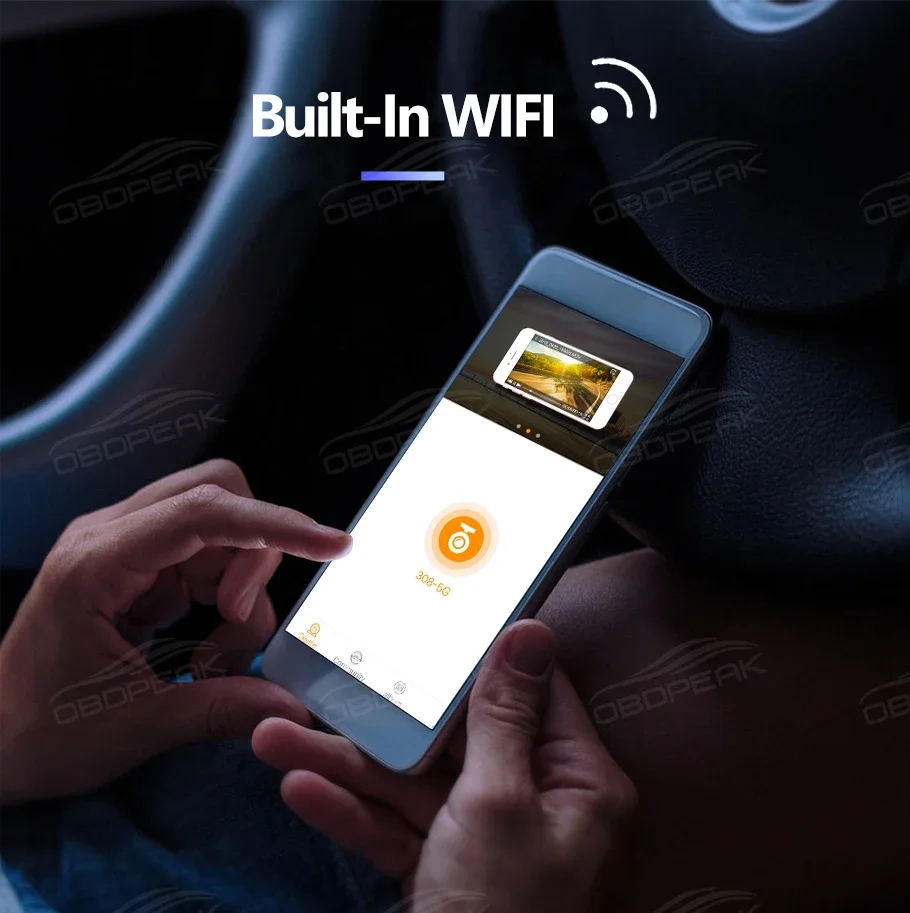
In-app video download & real-time viewing
Equipped with built-in WiFi, it can be connected to a mobile phone, you can preview real-time images to view historical records and quickly download pictures. All operations can be completed on the mobile phone without removing the memory card and connecting to the computer to watch the video, the operation is very simple.
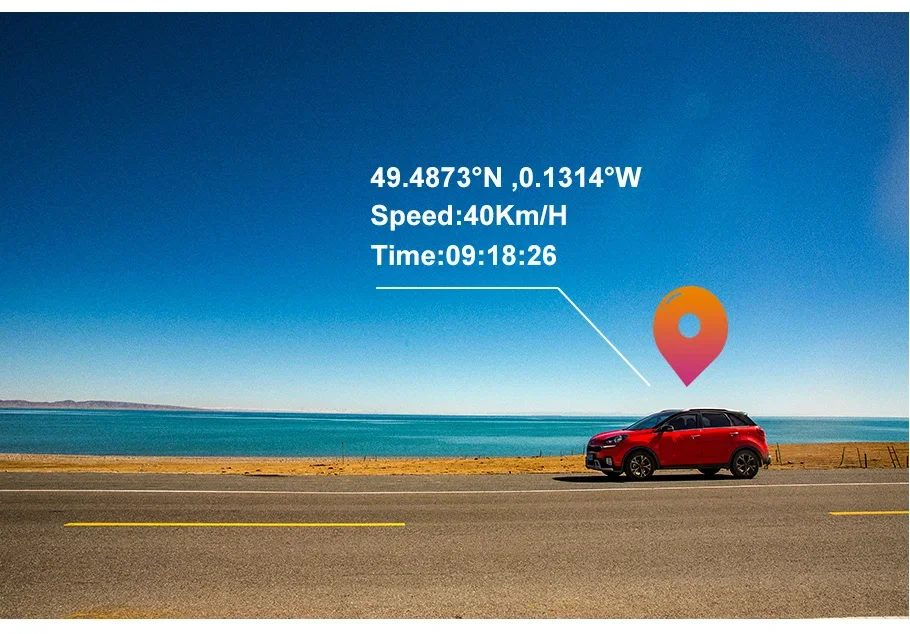
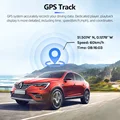
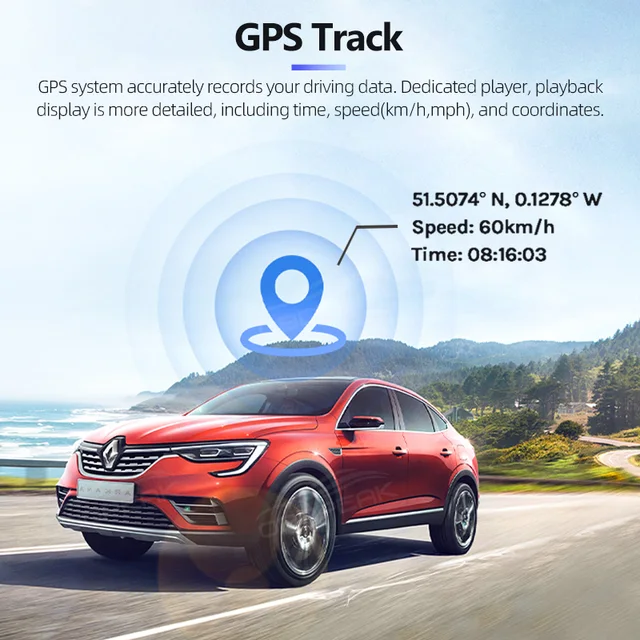
With GPS antenna
Monitors and displays real-time trip data including time, speed(km/h,mph), and coordinates. Tracks the exact location of an accident if one should occur, crucial for roadside assistance and insurance claims. (Requires purchase with GPS antenna version of)
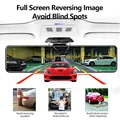
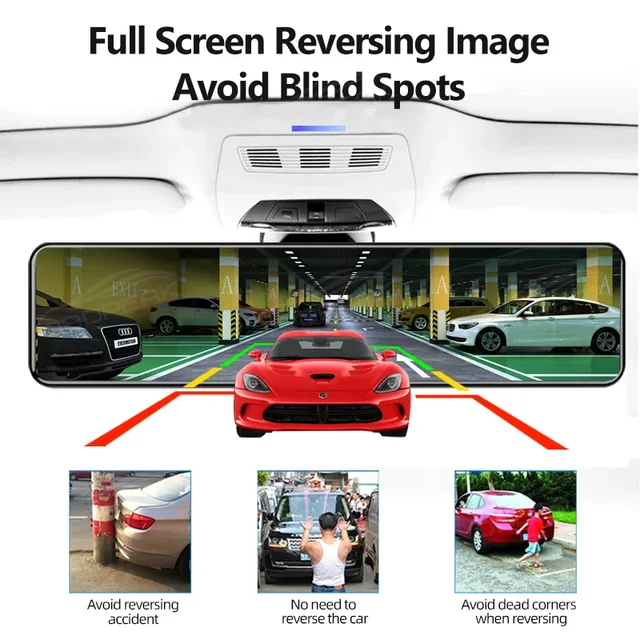
Real-time Display Reverse Parking view
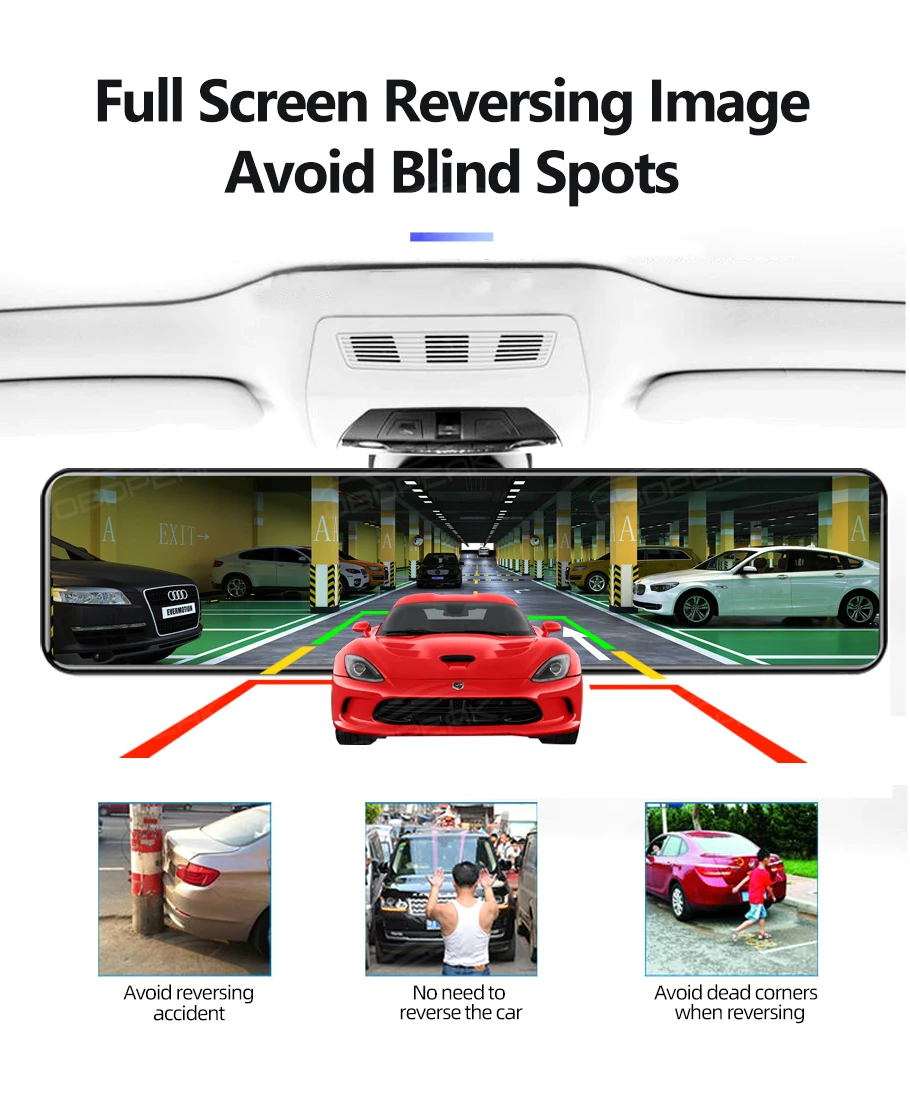
OBDPEAK H8 supports full screen display, Front and Rear 1:1 display, and Smart rear view angle switch between driving and parking. You could see all further vehicles and objects clearly behind you while real-time driving and it will lower the rear view angle automatically to give a closer backup image when parking.
24 Hour Parking Monitor
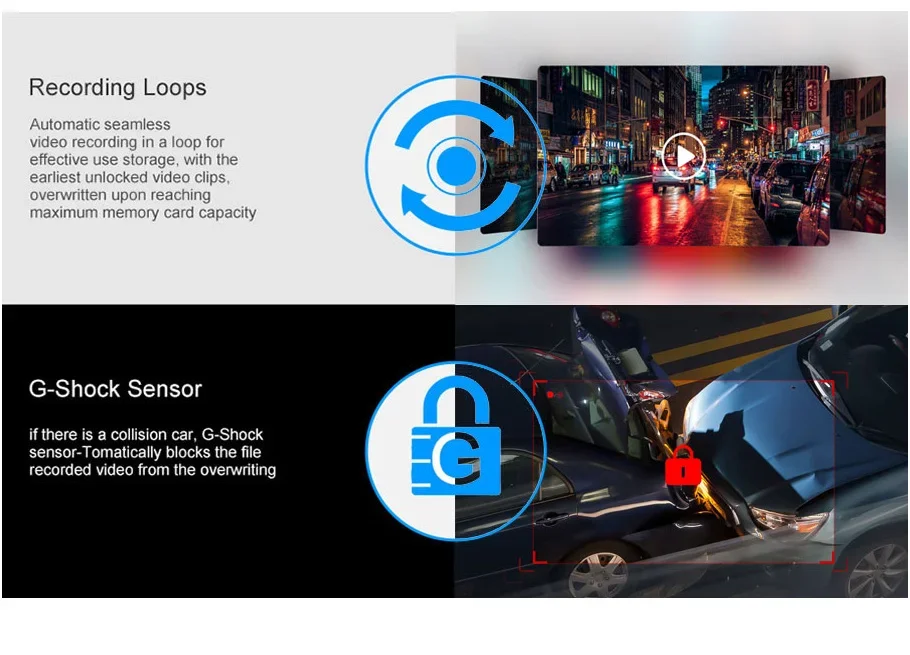
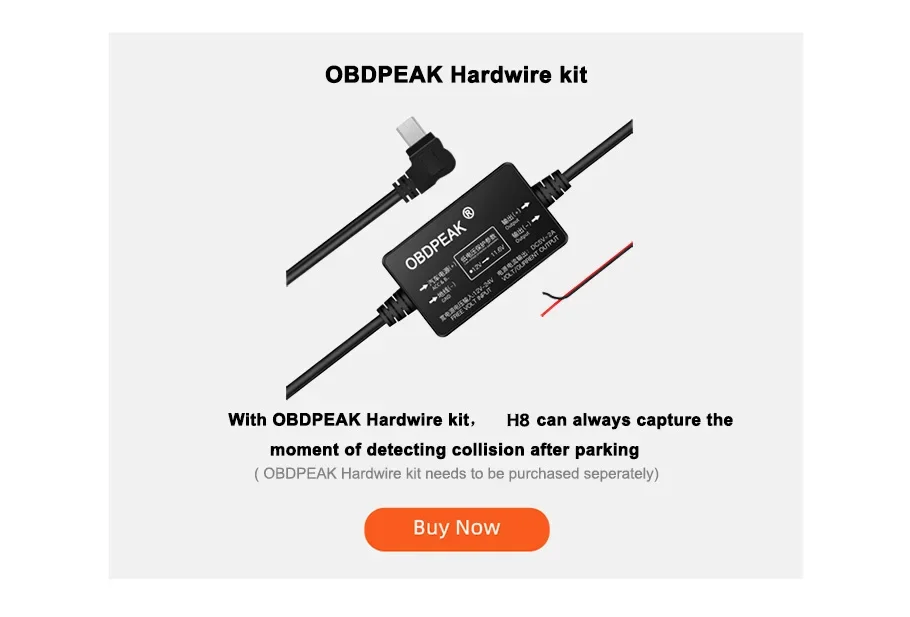
Using the BUCK Line, and the recorder will work 24 hours. If someone else hurts your car and the shock triggers the G-sensor, the DVR will immediately turn on and record the situation.(Need to buy Hardware Kit)
OBDPEAK Hardware Kit
For Parking Surveillance Mode
Ensures power for the dash cam to continue operating while the car parked.
FAQ
Q: How to download and connect to the mobile APP
A:1. Open the settings, click "WIFIswitch", and then click "Open" to turn on WIFI
2. Open the settings, then click "WIFIinformation", scan the QR code to download the APP
3. APP name: Roadcam
2. Connect the mobile phone to the WIFI account and password displayed on the mirror screen to connect to the APP
Q: How to change the mirroring effect of the rear camera?
A: Open the settings, click on 'Back Mirror', select either on or off
Q: Why can't the screen be operated when connecting to the APP?
A: The mobile phone controls the machine when connected to the APP, so the machine screen cannot be operated
Q: How to install GPS correctly?
A: Please paste the GPS on the top of the windshield of the vehicle to ensure that the GPS Signal is unobstructed
Q:How to solve the automatically restart problem
A:The majority of the automatically restart problem is caused by the power supply or Micro SD card, please try the solution step by step:
1. Move your H6 to your house and use another charging cable to connect the power resource.
2. Please use another Micro SD card if step 1 doesn't work
3. If step 1 and step 2 do not work, please take a video and contact us
Q:How to choose a good Micro SD card for theOBDPEAK Dash Cam H6?
A:The 4K resolution needs a high standard Micro SD card, which needs a U1&Class 10 standard memory card. Please make sure that your Micro SD card has U1 and Class 10 logo.
Q: How to activate parking surveillance mode?
A:The parking surveillance mode can only be activated by installing the OBDPEAK hardware kit. You will be able to enable the parking surveillance mode in video settings list after installing the hardware
About Feedback
If any questions, please contact us in advance, we will help you solve it at the first time.
If you are satisfied with our items, please leave a 5 star feedback on website to help others to know the items more.Appreciate your kind feedback and support.



Follow us on: